Table of Contents
If you’ve spent any time exploring the world of internet television, you’ve almost certainly come across the name TiviMate IPTV Player. Widely regarded as one of the most polished and feature-rich media player applications available for Android-based streaming devices, TiviMate has earned a devoted following among cord-cutters, tech enthusiasts, and everyday viewers alike.
But what exactly is it, how does it work, and is it the right player for your setup? Whether you’re a first-time user trying to make sense of the options or an experienced streamer looking to optimize your experience, this guide covers everything you need to know about TiviMate IPTV Player in 2026 — from installation and setup to tips, features, and the honest differences between the free and premium versions.
Users should always ensure they are connecting the app to licensed, authorized content sources that comply with local laws and broadcasting regulations.
What Is TiviMate IPTV Player and Why It Stands Out
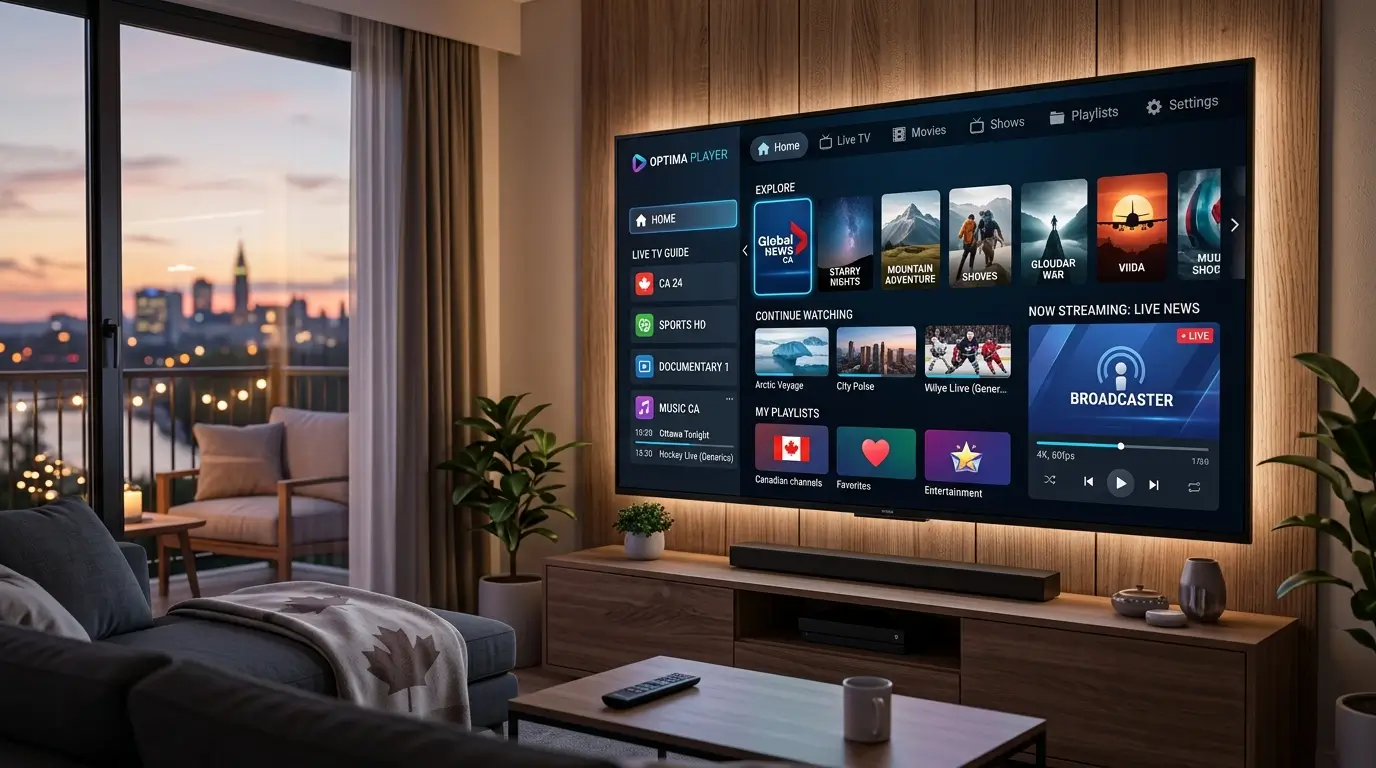
TiviMate IPTV Player is a dedicated media playback application designed primarily for Android TV devices, Fire TV sticks, and other Android-based streaming hardware. Rather than providing content of its own, the app acts as an interface — a sophisticated front-end — that connects to external playlist sources (typically in M3U or Xtream Codes format) and presents the channels, on-demand content, and electronic program guides in a clean, television-optimized layout.
What sets TiviMate IPTV Player apart from the dozens of alternatives on the market is the quality of its user interface. From the moment you load it up, the app feels purpose-built for the big screen. Channel navigation is smooth, the electronic program guide (EPG) is clearly displayed and easy to browse, and the overall experience closely resembles a traditional cable or satellite TV interface — which makes the transition from legacy television remarkably comfortable.
Unlike browser-based players or general-purpose media apps, TiviMate was built specifically for the IPTV use case. This focused development approach means features like multi-playlist management, catch-up TV, and customizable channel groups are not afterthoughts — they’re core pillars of the experience.
The app is available on the Google Play Store for Android TV devices and can also be sideloaded onto compatible hardware. It runs on popular streaming sticks and boxes, smart TV operating systems based on Android, and NVIDIA SHIELD units, among others.
Key Features of TiviMate IPTV Player
One of the strongest arguments for choosing TiviMate IPTV Player over competing apps is the depth of its feature set. Here’s a closer look at what the platform offers:
Electronic Program Guide (EPG)
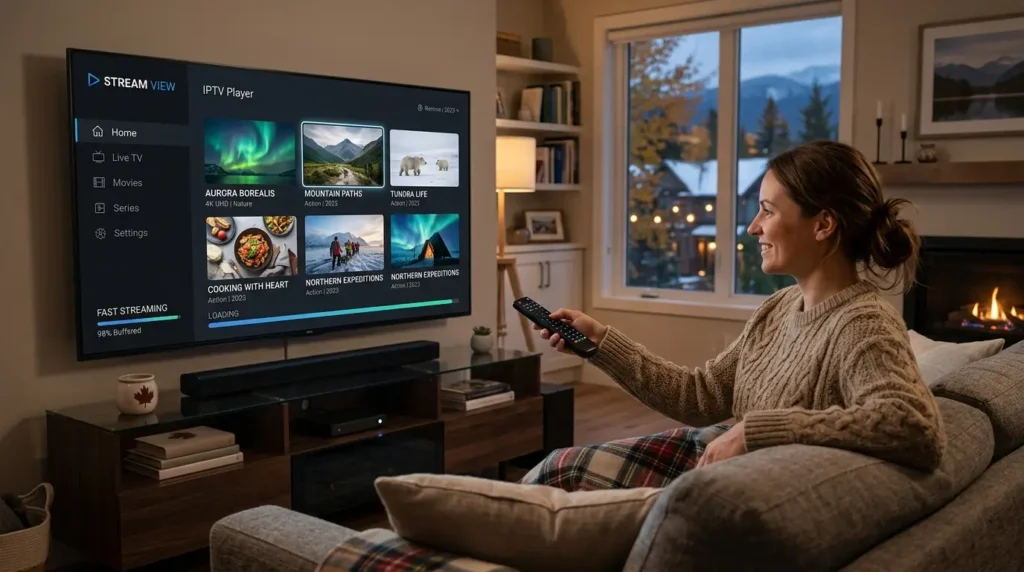
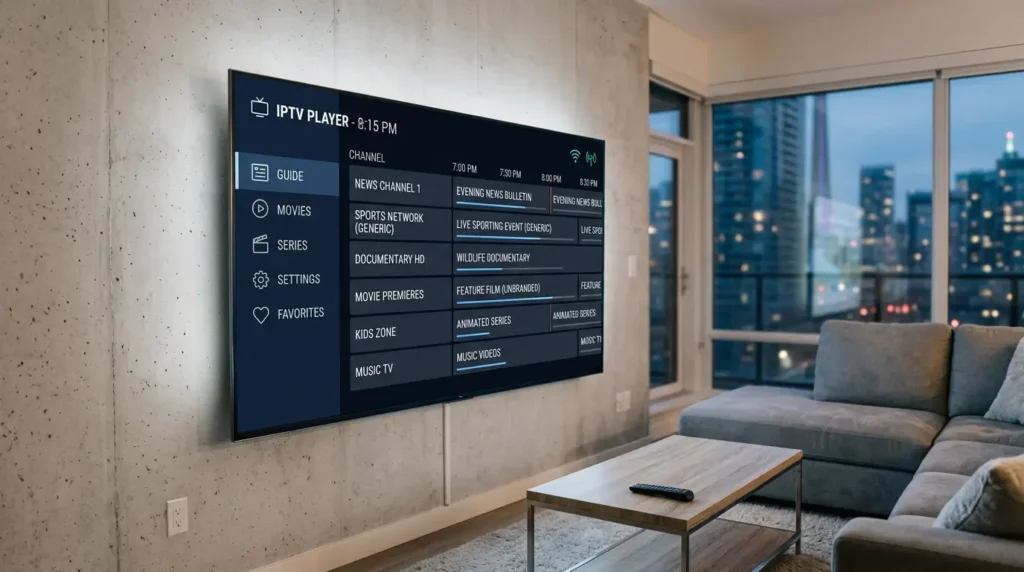
TiviMate’s EPG is among the best in its class. It displays a 7-day program schedule in a clean grid layout, supports multiple EPG sources, and updates automatically. Users can browse upcoming content at a glance, set reminders, and quickly jump between channels directly from the guide.
Catch-Up TV
When your IPTV subscription supports it, TiviMate IPTV Player lets you rewind and replay live broadcasts — sometimes up to several days back. This catch-up functionality is particularly useful for news, sports, and entertainment programming you may have missed.
Multi-Playlist Support
The app supports multiple simultaneous playlists, making it easy to manage content from more than one IPTV source without switching between apps.
Recording Functionality
With the premium version, TiviMate enables on-device recording to external storage. You can schedule recordings of upcoming shows or record whatever is currently playing — a feature that puts the app on par with traditional PVR devices.
Customizable Channel Groups
Users can create and reorder custom channel groups, pin favorites, and hide channels they don’t need. This level of personalization is rarely found in competing IPTV players.
Picture-in-Picture (PiP) Mode
On supported Android TV devices, TiviMate allows you to float a video window while navigating the EPG or settings — a small but genuinely useful quality-of-life feature.
Parental Controls
The premium plan includes PIN-based parental controls, allowing parents to restrict access to specific channels or content categories.
TiviMate IPTV Player — Free vs Premium Comparison
TiviMate IPTV Player is available in both a free tier and a paid premium plan, which unlocks the full feature set. Here’s a breakdown of what each version offers:
| Feature | Free Version | Premium Version |
|---|---|---|
| M3U Playlist Support | ✅ (1 playlist) | ✅ (Unlimited) |
| EPG Support | ✅ | ✅ |
| Catch-Up TV | ❌ | ✅ |
| Recording | ❌ | ✅ |
| Multiple Playlists | ❌ | ✅ |
| Parental Controls | ❌ | ✅ |
| Panel (Xtream Codes) | ❌ | ✅ |
| Custom Channel Groups | Limited | ✅ Full |
| Theme & UI Customization | Limited | ✅ Full |
The free version is a solid starting point if you want to test compatibility and assess the interface before committing. However, for anyone planning to use TiviMate IPTV Player as a primary streaming solution, the premium upgrade is well worth the investment given the significant jump in functionality — especially recording, catch-up, and multi-playlist support.
Premium access is available as an annual subscription or a lifetime purchase through the TiviMate Companion app on the Google Play Store.
How to Install TiviMate IPTV Player on Your Device
Installing TiviMate IPTV Player is a quick, straightforward process on most Android-based devices. Follow these steps to get started:
For Android TV and Google TV Devices:
- Open the Google Play Store on your device.
- Search for TiviMate IPTV Player in the search bar.
- Select the app from the results and tap Install.
- Once installed, open the app and proceed to the setup screen.
For Amazon Fire TV and Fire Stick:
TiviMate is not currently available on the Amazon Appstore, so it requires sideloading:
- On your Fire TV device, go to Settings → My Fire TV → Developer Options and enable Apps from Unknown Sources.
- Install the Downloader app from the Amazon Appstore.
- Open Downloader and enter the direct APK URL for TiviMate (available from the official TiviMate website or reputable APK mirrors).
- Follow the on-screen prompts to install the APK.
- Launch TiviMate IPTV Player from your app list.
For NVIDIA SHIELD TV:
The Google Play Store is available natively on SHIELD devices. Simply search for and install the app as you would on any Android TV device.
Always download TiviMate IPTV Player from official or verified sources to ensure you receive a secure, unmodified version of the application.
How to Set Up TiviMate IPTV Player with a Playlist
Once the app is installed, setting up TiviMate IPTV Player involves connecting it to your IPTV service’s playlist. Here’s how:
Step 1 — Obtain Your Playlist Details From your authorized IPTV subscription provider, retrieve either:
- An M3U URL (a direct link to your channel list), or
- Xtream Codes credentials (a server URL, username, and password)
Step 2 — Open TiviMate and Add a Playlist Launch the app and on the welcome screen, select Add Playlist. Choose your input method:
- Select M3U Playlist if you have a direct URL
- Select Xtream Codes if you have panel credentials
Step 3 — Enter Your Details Input the M3U URL or your Xtream Codes login details as provided by your service. Tap Next to proceed.
Step 4 — Configure EPG (Optional but Recommended) If your provider supplies an XMLTV EPG URL, enter it now to populate the program guide with accurate scheduling data. The EPG significantly enhances the viewing experience within TiviMate IPTV Player.
Step 5 — Organize and Enjoy Once the playlist loads, your channel groups will appear automatically. You can reorder groups, create favorites, and adjust the layout to your preference. Content availability may vary based on your subscription plan and region.
Tips to Get the Most Out of TiviMate IPTV Player
Knowing the setup is one thing — knowing how to use TiviMate IPTV Player at its full potential is another. Here are some practical tips to elevate your daily experience:
Use the Favorites List Aggressively Build a tight favorites group with the 10–15 channels you watch most. This reduces navigation time significantly and makes the app feel even more like a traditional TV experience.
Enable Buffer Settings In the player settings, adjusting the buffer size can reduce stuttering on slower connections. Most users find a 5–10 second buffer strikes the right balance between startup time and playback stability.
Schedule Recordings in Advance If you’re on the premium plan, use the EPG to browse upcoming content and set recordings directly from the guide. The TiviMate scheduling interface is intuitive and reliable.
Update Playlists Regularly Set your playlist to auto-refresh on a schedule (daily or weekly). This ensures your channel list stays current without manual intervention.
Explore External Player Support TiviMate integrates with external video players such as MX Player and VLC, which can be useful for streams that the built-in player struggles to handle. This flexibility is one of the more underrated features of the platform.
Keep the App Updated New versions of TiviMate IPTV Player regularly introduce bug fixes, EPG improvements, and new features. Check the Play Store or your sideload source periodically for updates.
TiviMate IPTV Player — Frequently Asked Questions
Is TiviMate IPTV Player free? Yes, TiviMate offers a free version with core functionality including single-playlist support and EPG browsing. Advanced features like recording, catch-up TV, multiple playlists, and parental controls require the premium upgrade.
What devices support TiviMate IPTV Player? The app runs on Android TV, Google TV, NVIDIA SHIELD, and Amazon Fire TV devices (via sideloading). It is not available for iOS, macOS, or Windows natively.
Does TiviMate IPTV Player come with channels? No. The app itself does not provide any content. You need a separate IPTV subscription from a licensed provider to supply the channel playlist. Always use authorized, legally compliant services.
Can I use TiviMate IPTV Player on multiple TVs? Yes. TiviMate can be installed on multiple devices. Premium access, however, is tied to a Google Play account and the number of simultaneous installations may be subject to the premium plan’s terms.
What format does TiviMate support for playlists? TiviMate supports M3U and M3U8 playlist formats, as well as Xtream Codes API connections. Most IPTV providers offer at least one of these formats.
Why are some channels not loading in TiviMate? Channel loading issues are usually related to your internet connection speed, server-side issues from your IPTV provider, or an outdated playlist. Try refreshing your playlist, checking your connection, or contacting your provider’s support team.
Conclusion: Is TiviMate IPTV Player Worth It?
After reviewing everything this application brings to the table, the answer is a clear yes — TiviMate IPTV Player is one of the best media player solutions available for anyone using an Android TV-based streaming setup in 2026. Its clean interface, robust EPG, recording capabilities, and flexible playlist management make it a substantial step up from generic or free alternatives.
The free version is a perfectly respectable way to get started and evaluate whether the app meets your needs. But for anyone serious about their internet TV setup, the premium plan removes meaningful limitations and transforms the player into a comprehensive, cable-quality experience.
The most important thing to remember: no matter how good the player, always pair TiviMate IPTV Player with a legitimate, licensed IPTV subscription. The best player in the world is only as good as the content source behind it.
Ready to upgrade your streaming experience? Install TiviMate, connect your authorized playlist, and discover a smarter way to watch TV.